
App
CybeTower Browser
The business browser developed in Switzerland: your company network inside the app, data sealed with a key held on the phone, trackers and ads blocked before any connection is made.
Free. The connection to the company network is activated with CybeTower SHIELD access.
What it does
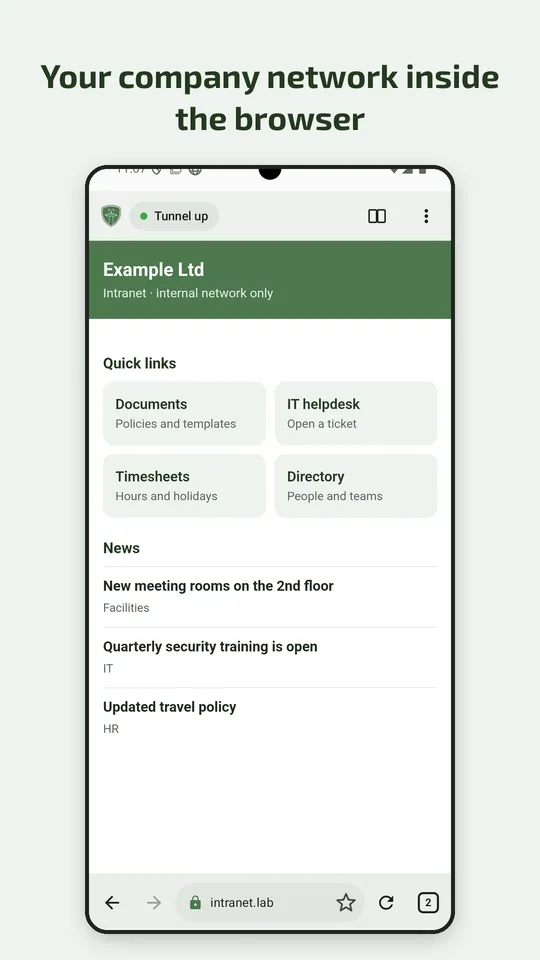
The company network, only in the browser
The connection to the company network lives inside the app: there is no system-wide VPN, and the rest of the phone stays outside. Downloads and uploads take the same route as the pages.
Sign-in with CybeTower SHIELD
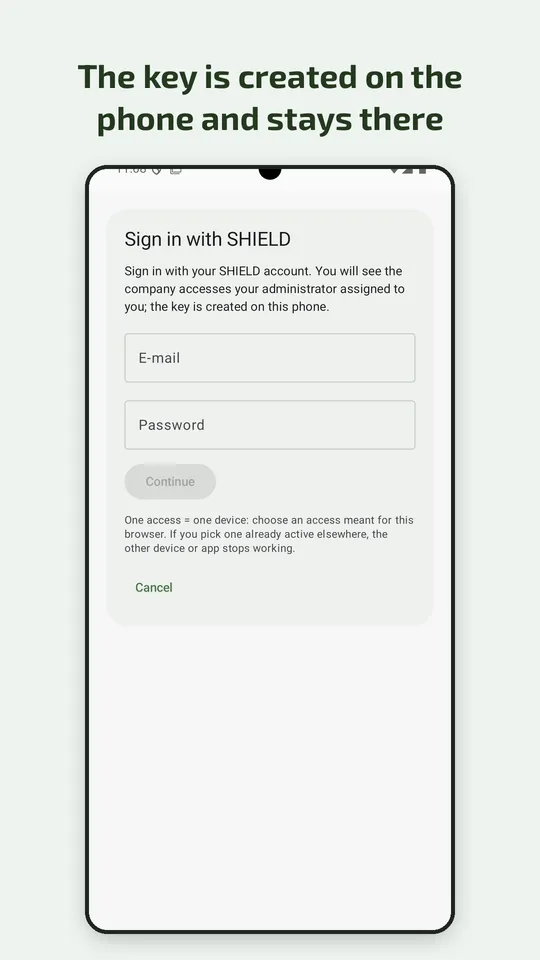
Sign in with your account and second factor, or with the one-time link or QR code from your administrator. The private key is created on the phone and never leaves it.
Trackers and ads blocked first
Requests to trackers and ads are refused before any connection is made; spam and risky sites can be blocked too. Each category has its own switch.
Fewer traces left on websites
Third-party cookies blocked, the direct video call channel removed from pages so that it does not reveal your address (except on sites you allow to use the camera or microphone for video calls), and a reduced device fingerprint, as in the most widely used browsers.
Data sealed on the phone
Bookmarks, history, tabs and profiles are encrypted with a key held by the phone, and excluded from backups and from transfers to another device.
Made for foldables too
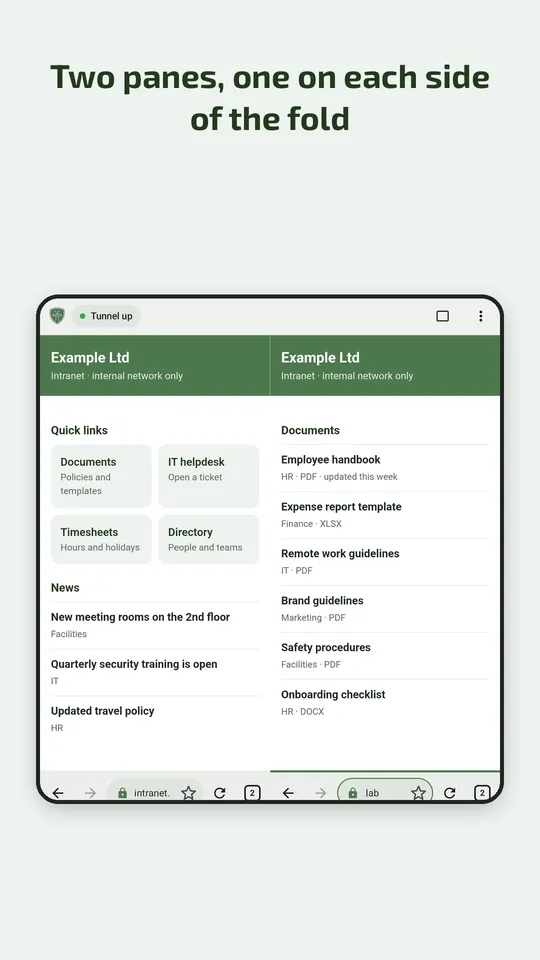
Two panes side by side, split along the hinge of foldable phones, with shared tabs.
Why it is different from a VPN on your phone
With the usual VPN access
- A VPN file or client to install on the phone
- The file stays on the phone with the key inside
- With the VPN on, the whole phone joins the company network
- Often without a second factor
With CybeTower Browser
- You sign in with CybeTower SHIELD and a second factor
- The key is created on the phone and never leaves it
- Only the browser joins the company network, the rest of the phone stays outside
- You disconnect with one tap from the notification
What it looks like
How to use it
- Open CybeTower Browser and tap “Sign in with SHIELD”, or use the link or QR code from your administrator.
- Enter your email and password and click “Sign in”; if asked, add the code from your authenticator app.
- Activate the access assigned to you: the key is created on the phone and stays there.
- Open the access and type the intranet address: the padlock in the address bar tells you it is a company page.
- When you have finished, disconnect from the notification.
Good to know
- It is not a system-wide VPN: email, video calls and the phone's other apps do not go through the company network. This is by design.
- It is being tested on Android 8 or later, with the interface in Italian, German, French, English, Spanish and Portuguese. It is coming soon to the stores, for Android and for iPhone.
- You need CybeTower SHIELD access to connect to the company network.
What it does not do
- No telemetry, no analytics, no ads
- No background update checks
- No external service checking the sites you open, and no metrics from the system component that renders the pages
- The only external library in the app is the one for rating it in the store, used only when you tap “Rate the app”
Where to get it
Android
On the Play Store
Coming sooniPhone and iPad
On the App Store
Coming soon